?unique=0550cc6)
Mastering Odoo Development
Follow the Odoo development path from environment setup and framework fundamentals into application architecture. Choose the edition that matches the depth you need, then use the lesson library to work through the concepts and examples.
A mixed library of video lessons, written material and documents. Access and included bonuses depend on the edition selected.
OdooClass · Course guide
Build a stronger foundation for your next Odoo application
Follow the Odoo development path from environment setup and framework fundamentals into application architecture. Choose the edition that matches the depth you need, then use the lesson library to work through the concepts and examples.
113 published lessons and resources · Mastering Odoo Development
Explore the course curriculum Choose your editionWhat you will work on
- Set up an Odoo development environment with Ubuntu and Visual Studio Code.
- Connect models, fields, views and application behavior in the Odoo framework.
- Choose a deeper learning path using the edition comparison below.
Is this course for you?
Developers, Odoo consultants and technical partners who want a structured development curriculum.
Before you start
Start with the setup and foundation lessons if you are new to Odoo. Familiarity with basic Python is useful as you progress into custom development.
Your learning path
- Development environment and installation guides
- Odoo framework and application foundations
- Custom development and architecture
- Edition-specific advanced topics and bonuses
What is included today
A mixed library of video lessons, written material and documents. Access and included bonuses depend on the edition selected.
Environment and version guidance
The library includes installation and developer guides for several Odoo releases. Select the guide that matches your installation; examples from different releases can require API and view-syntax adjustments.
See all 113 published lessons and resources
- COURSE AND SOFTWARE LICENSE AGREEMENT
- Introduction
- Mastering Odoo Architecture
- Setup WSL & Install Ubuntu
- Installing and Configuring Visual Studio Code
- Configuring Visual Studio Code for Odoo Development
- Creating the "Perfect" Odoo Development Environment
- Odoo 18 Install Guide
- Odoo 17 Install Guide
- Odoo 16 Install Guide
- Odoo 15 Install Guide
- Odoo 17 Developer Guide
- Odoo 16 Developer Guide
- Odoo 15 Developer Guide
- Odoo 14 Developer Guide
- Odoo 13 Developer Guide
- Understanding the Odoo Framework
- Creating the Database and Introducing Odoo Developer Mode
- Creating Custom Models in Odoo Developer Mode
- Creating Custom Views in Odoo Developer Mode
- Using Scaffolding to Create our Application Template
- Modifying The Application Template and Installing the Custom Application
- Create Your First Custom Odoo Model Using Python
- Creating Menus and Actions
- Creating Custom Views
- Included Python Primer Courses and Bundled Odoo Tycoon
- Mastering Odoo Models
- Mastering Models: Essential Concepts
- Creating Many2one Relationships
- Creating Many2one Relationships with Existing Odoo Models
- Understanding Model Inheritence
- Creating One2many Relationships
- How to Create Many2many Relationships between models
- Advanced Model Architecture - Adding models for Symptoms, Treatments, and Prescriptions
- Understanding Related Fields
- How to Create Calculated Fields
- Using Domains to Filter Records Within Models
- Important Model Features to know: Help, Required Fields & Default Fields
- Mastering Odoo Models - Please Contact me for One-on-One Strategy Sessions and to provide Feedback
- Mastering Odoo Views
- Mastering Odoo Views: Essential concepts & examples
- Odoo Views - Version Specific Developer Guide
- Creating a Custom Form View for the Animal Model
- Create a Notebook and Pages within our Custom Animal Form
- Improving Our Custom Form Design
- Creating an Image for Our Custom Form View
- Prevent Users from Adding Records on the Fly
- Create a Custom Tree View with Many2many Widget
- Use View Inheritance to Add Views to the Customer Form
- Use an xPath to add an new Page to our Customer Notebook
- Dynamically Hide and Show Fields in a Form
- Dynamically make Fields Required in a View
- Creating Custom Search Views
- Creating a Custom Kanban View
- Adding a Picture and other Information to our Kanban View
- Using T-IF Conditions in a Kanban View
- Understanding Advanced View Architecture
- Advanced Kanban Views: Examples
- Mastering Odoo Actions
- Odoo Action Core Examples
- Creating Menus and Simple Window Actions
- Using Domains in Actions to Filter Model Records
- Using Context in Actions to Set Default Search Filters
- Adding Customers to our Vet Clinic Application
- Using Context to Set the Default Owner for New Pets
- Learn to Call an Action from a Button
- Create and Call a Server Side Method
- Advanced Odoo Action Architecture
- Becoming an Expert Odoo Developer
- Improving the Model Design to Improve our Vet Clinic Application
- Implementing the Model Changes
- Exercise: Add new Fields to Forms with Dynamic Attributes
- Solution: Add new Fields to Forms with Dynamic Attributes
- Adding Status Icons to the Animal Kanban
- Integrating Style Sheets into your Odoo Applications
- Adding an Icon for Species to the Animal Kanban
- Solution: Adding an Icon for Species to the Animal Kanban
- Mastering Odoo Wizards - Introduction
- Creating the Transient Model for the Wizard
- Creating the View for the Wizard
- Creating the Action for the Wizard
- Creating the Method to Update the Animal Model
- Odoo Qweb Essentials
- Mastering Odoo Wizards: Essentials
- Learn to Connect to the Odoo API
- Authenticating to the API and using search_count
- Learn How to Filter Data using the Odoo API
- Importing Data from a CSV File into Odoo
- Search for Records using the Odoo API
- Exercise - Update Data Using the Odoo API
- Improve your Import Routine to Prevent Duplicate Records
- Introduction to the Odoo Migration Toolkit
- Getting Started with the Toolkit Basics and the OCA Connector
- Odoo Migration Toolkit Lecture - Part 2
- Creating the Infor Backend & Bindings
- Creating an Adapter for Product Categories
- Creating an Adapter for Products
- Using a Job Queue
- RabbitMQ - Enterprise Scale Solutions
- Creating a webhook workflow with N8N
- Odoo n8n and github automation
- Downloading and Installing the Mobile Toolkit
- Sales Application Development Essentials
- Sales Application Development Essentials
- CRM Development Essentials
- Inventory Development Essentials
- MRP Development Essentials
- Purchasing Development Essentials
- Project Development Essentials
- Accounting Development Essentials
- Website Development Essentials
- eLearning (slides) Development Essentials
- Point of Sale Development Essentials
Buying and accessing your course
Use the price and Add to cart control at the top of this page. Select your edition before adding it to the cart; the comparison below explains the differences. Review your order and the available payment options at checkout.
After payment confirmation, sign in with the account used for your purchase and open the course curriculum. If you need help choosing a course or accessing an order, contact OdooClass and include your order reference.
Compare editions and enrollView curriculumMastering Odoo Development
The #1 Odoo Developer training used by over 20,000 Odoo Partners, Developers and Integrators worldwide.
Go from first-time Odoo user to expert developer — with best-in-class, step-by-step training trusted in 150+ countries.
What each edition includes
Bootcamp builds the developer. Professional deepens the framework. Mastermind is the whole training house.
| Included | Bootcamp | Professional | Mastermind |
|---|---|---|---|
| Odoo framework, models, views, menus | Yes | Yes | Yes |
| Advanced ORM, QWeb, wizards, architecture | — | Yes | Yes |
| OWL, web, mobile, AI Accelerator Suite | — | — | Yes |
| Bonus courses (Monopoly Tycoon, Python labs, patterns…) | — | — | Yes |
| One-on-one strategy session | — | — | Yes |
| Updates | 3 months | 1 year | Lifetime on the training |
Choose Your Development Edition
Three carefully-designed paths. Pick the level that matches where you are — and where you want to go.
Developer Bootcamp
The complete foundation — everything you need to master the Odoo framework and build your first custom applications.
- Master the Odoo Framework
- Models, Actions, Menus & Views
- Build a best-in-class dev environment
- Free updates for 3 months
Developer Professional
Take your skills to the next level with advanced customization, QWeb reports, wizards and real-world architecture.
- Everything in Bootcamp
- Advanced Odoo Customization
- Custom Reports & Wizards
- Free updates for 1 year
Developer Mastermind
Dominate the development landscape. Full access to every course, the AI suite, bonus courses and more.
- Everything in Professional
- OWL, Web & Mobile Development
- Odoo AI Accelerator Suite
- Free lifetime updates
Who Is Mastering Odoo Development For?
Whether you are entirely new to Odoo or an experienced developer, this training meets you exactly where you are — and pushes you further.
🧑💻 New to Odoo
Start from zero. We teach the framework, the dev environment and your first custom app — slowly, clearly, with zero guesswork.
⚙️ Experienced Developers
Skip ahead to advanced customization, ORM mastery, QWeb, wizards and enterprise architecture used by the Odoo partners.
🏢 Teams & Consultancies
The same training trusted by Odoo partners and integrators to uplevel their entire development team.
🎓 Students & Career Switchers
Build a genuinely marketable skill. Join developers worldwide who used this training to land Odoo roles.
🤖 AI-First Builders
The Mastermind edition includes the Odoo AI Accelerator Suite — learn to build intelligent, automated apps.
🧭 Entrepreneurs
Build and customize your own Odoo applications instead of paying for every customization.
Developer Bootcamp
The #1 choice for new Odoo Developers
Mastering Odoo Development begins with an essential module that cements your understanding of the Odoo framework. Greg Moss has over 30 years experience in ERP integration and customization. His proven, well-paced training makes learning the Odoo framework practically effortless.
Master the Odoo Framework
Mastering Odoo Development begins with an essential module that cements your understanding of the Odoo framework.
Before even writing any code, you learn how to create models, actions, menus and views.
Struggling to build out a custom application? This module is designed for those who want to quickly master the Odoo Framework and create custom applications easily and without guesswork.
Best-in-Class Development Environment
One of the most frustrating things a developer will face is setting up a smooth development workflow.
In the case of Odoo this is particularly important as most changes require server restarts and even browser refreshes.
With Mastering Odoo Development you will never be stuck trying to figure out how to set up a development environment that works for you.
Building Custom Applications
One of the primary core modules of the training, here you learn from the ground up how to build custom Odoo Applications.
Even if you have never used Python before, the carefully paced training will have you building custom Odoo applications in no time!
When you get stuck, live strategy sessions help you solve any development problem you may be facing.
Everything you need to begin building custom Odoo Applications
The Odoo Developer Bootcamp contains all the essential courses to Master the Odoo Framework and begin creating custom Odoo Applications in no time.
Developer Professional
Take Your Odoo Skills to the Next Level with the Professional Edition
Advanced Odoo Customization
In this module we dive deeper into advanced Odoo customization topics. We learn how to over-ride the standard ORM mechanisms, important design patterns, security and create more complex kanban and graph views.
Using real-world solutions and practical case studies makes this a must-have core module for any serious Odoo developer.
Custom Reports & Wizards
Once you are comfortable with building basic Odoo applications you will wish to learn how to create and modify reports.
Wizards are the primary mechanism for collecting information from users before or as they are performing actions.
Building on the previous modules we begin to really leverage the awesome power of the Odoo framework to build more complex applications.
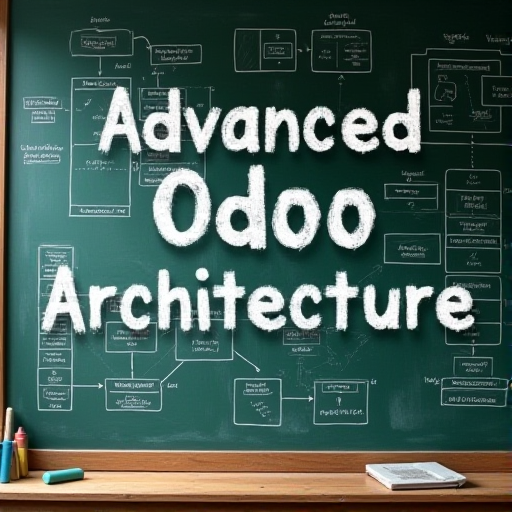
Advanced Odoo Architecture
In this module we deep dive into the core libraries making up the Odoo framework. While previous modules were focused on framework utilization, here we level up by understanding the architecture of the Odoo framework along with the key applications you typically work with as a developer.
This module is particularly valuable for those integrating and customizing Odoo applications such as Sales, Inventory, MRP, or Accounting.
Everything you need to take your development skills to the next level!
Gain a deeper understanding of Odoo's architecture and advanced customization techniques.
Override standard ORM methods and apply essential design patterns.
Build complex kanban and graph views while ensuring security and performance.
Create and modify professional-grade reports using QWeb.
Develop functional wizards to collect user input and automate workflows.
Deliver polished, high-performance applications.
Developer Mastermind
Dominate the Development Landscape with Exclusive Best-In-Class Training
Web Development & Theme Mastery
OWL Framework: Customize Odoo websites and applications with the powerful OWL framework.
Advanced UI Design: Create visually stunning websites and advanced widgets.
UX Optimization: Deliver intuitive and engaging applications with best-in-class UX strategies.
Migration Toolkit: API & ORM Mastery
Seamless Integration: Connect Odoo effortlessly with external systems.
Data Migration: Upgrade Odoo environments and migrate data efficiently.
Advanced Tools: Leverage powerful tools to enhance compatibility and functionality.
Mobile Toolkit for Odoo
Native Applications: Build Odoo mobile apps for iOS and Android.
Mobile Integration: Utilize native features like cameras, GPS, and voice recognition.
Fast Development: Accelerate app creation with ready-to-use templates and utilities.
Odoo AI Accelerator Automation Suite
AI-Enabled Development: Integrate AI tools like ChatGPT for automation and content generation.
Cutting-Edge Techniques: Leverage advanced AI and deep learning strategies.
Future-Ready Skills: Build intelligent applications that revolutionize user experiences.
Bonus Courses — Supercharge Your Odoo Developer Experience
The Mastermind edition bundles a collection of bonus courses included free with your training — no extra purchase needed.
Odoo Monopoly Tycoon
The most engaging way to learn Odoo app development — build a Monopoly-inspired game while mastering the framework.
View coursePython Idle Tycoon
Reinforce your Python skills with real-world, project-based training — a fun companion to your Odoo journey.
Python Pirate Trader
Master Python programming through hands-on, story-driven training that sticks.
Odoo Tycoon Masterclass
Develop applications in a fun, interactive environment designed to make complex concepts click.
Mastering Enterprise Architecture
Design clean, scalable Odoo architectures and model design with confidence.
Design Patterns for Odoo Mastery
Apply essential design patterns to write cleaner, more maintainable Odoo code.
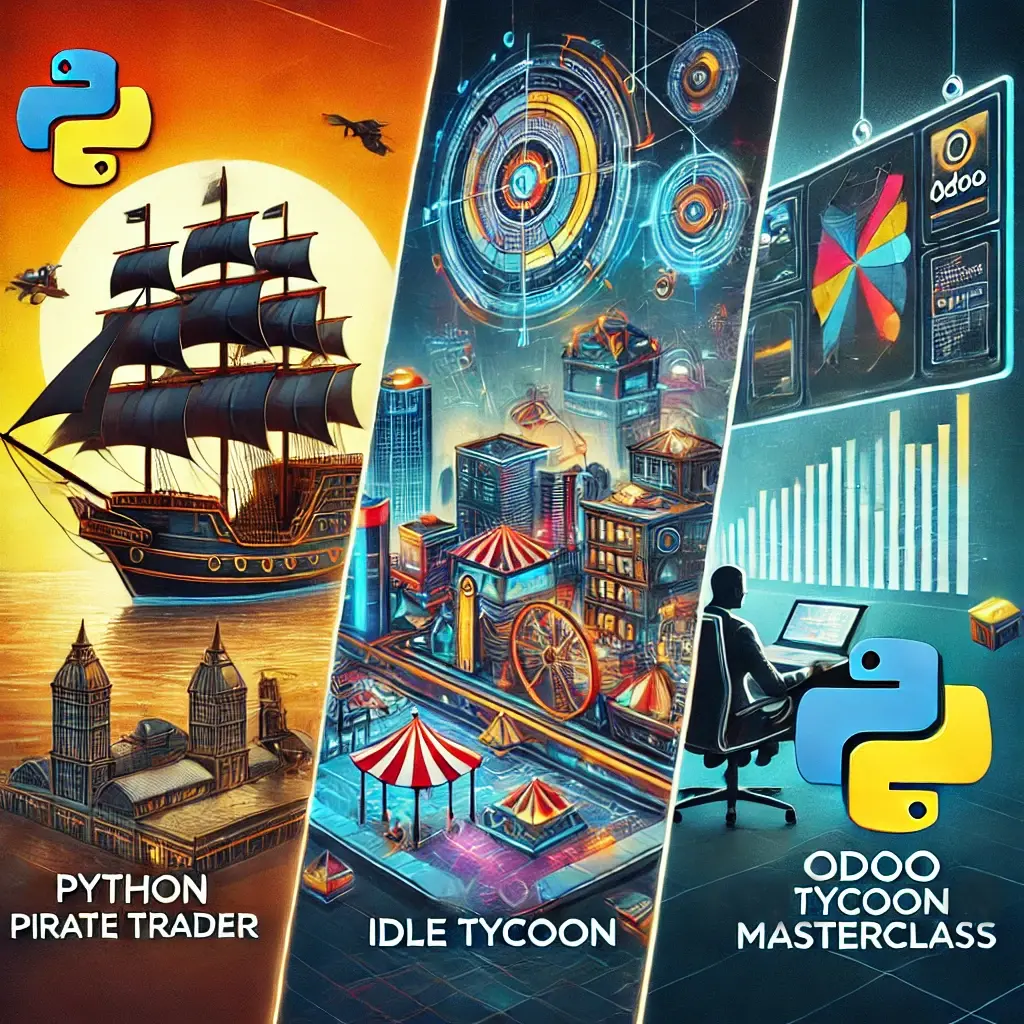
Mastermind Edition: Bonus Course Bundle
This collection of courses gives you an opportunity to reinforce your understanding of Python and the Odoo Framework.
The Odoo App Suite — Included with the Mastermind
The Mastermind edition doesn't stop at training. It also includes access to a powerful collection of exclusive Odoo applications and AI accelerator tools.
Odoo AI Accelerator Suite
Automate content generation, data workflows and AI-powered interactions across your Odoo instance.
View app
Odoo App Suite
A complete collection of exclusive Odoo applications — AI, automation, cloud and productivity tools in one bundle.
View apps
AI Enterprise Architect
Design intelligent enterprise solutions with AI-assisted architecture and model design.
View appAI Accelerator Gateway
Wire AI providers (OpenAI and more) into your Odoo instance with a clean, reusable gateway.
View appOne-on-One Consulting with Greg Moss
Mastermind members get access to a one-on-one consulting strategy session with Greg Moss, founder of OdooClass.com.
Bring your real project, your questions or your roadmap — get direct, practical guidance from a founder with 30+ years of ERP experience.
Learn about consulting"What an incredible idea! It is so exciting to master Odoo and actually have some fun doing it!"
Frequently Asked Questions
Ready to Master Odoo Development?
Join over 20,000 Odoo partners, developers and entrepreneurs who use this training to level up their success. Choose your edition above and start building today.